Maze Creator is a Puzzle Design Software Package
The world leader in maze
creation
Maze Creator is the world leader in maze
creation software. If you are a maze enthusiast, teacher,
parent, or publisher this product will almost automatically create create mazes
for you.
It creates pencil puzzles so quickly and easily making it a great tool
for publishers, authors, teachers, parents, kids, or anyone who likes
puzzles. Use this award winning application to create printable
mazes almost instantly complete with solution.
Publishers have adopted Maze Creator PRO as a important desktop publishing
package. Use this software tool with Adobe InDesign, Adobe
PhotoShop, or Microsoft Publisher as layout packages to create
finished works. Maze Creator STD has been used world wide to create
puzzles for newsletters, school newspapers, books, pamphlets,
advertisements, as well as custom printing. There is even a
Maze Creator HOME version for parents, puzzle
enthusiasts, and teachers to create fun activities.
|
What can you do with Maze Creator?
|
 |
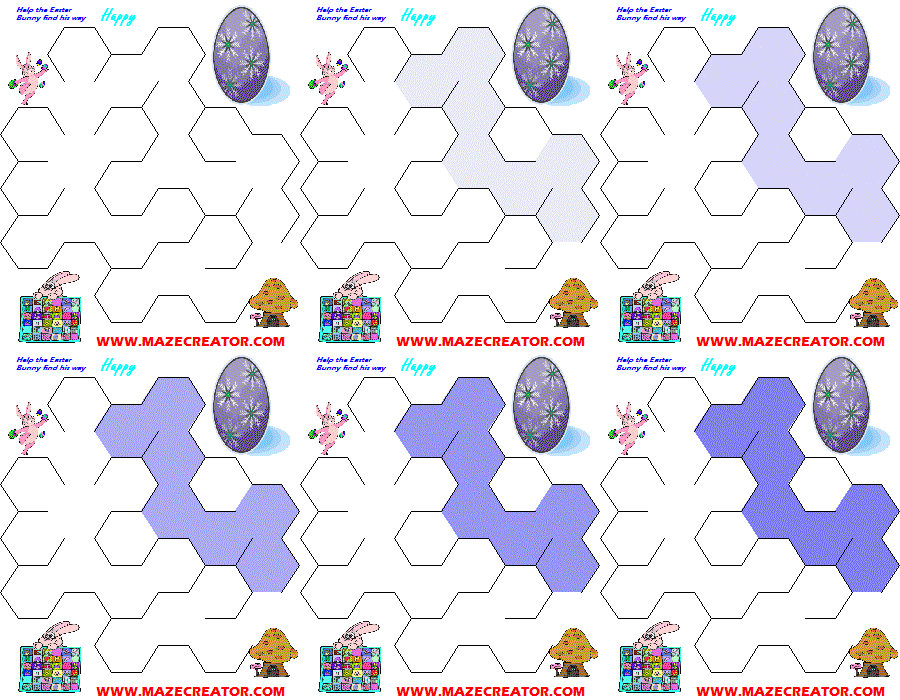
Maze Creator lets you quickly and
easily create mazes like this one to the left. This puzzle was
created within minutes using the powerful Mask feature built into
this award winning software. |
| |
|
|
|
Mouse Gestures
Maze Creator PRO 1.60, STD 3.60, and HOME
1.95
will support Mouse Gestures*. This is a major productivity improvement.
With a few strokes of the mouse, you can command Maze Creator.
Of course we have expanded the Accelerator Keys as well. Hold
down the [CTRL] key and Left Mouse Button to form a stroke. You
can also TAP the SPACE key to have the next left mouse button down read
as a gesture. You can view the full set of
mouse gestures
and strokes and the updated
accelerator key commands.
|
|
Released!
Maze Creator PRO 1.60
has been released.
Here are a few of the things included in this
release:
- ADDED: Mouse Gestures, command Maze Creator by mouse movements
- ADDED: COLOR selection to over-ride the default Maze Creator Color
scheme
- Maze Pen Color
- Solution
- Blacken
- Erased (Only during Design of Template)
- Start/Stop colors both visible and hidden for design purposes
- ADDED: Opacity setting for TILER, now supports version TLE 1.50
- ADDED: Wrap maze Horizontally and Vertically
- ADDED: Paste text into Text layer
- ADDED: Paste graphics into Foreground & Background from Clipboard (DIB, BITMAP, ENHMETAFILE)
- FIXED: Re-render function works again
- FIXED: Corrected "CANCEL" behavior in PRO version's Image Settings
dialog box
- IMPROVED: Default of START/STOP tools is visible for TILERs and hidden
for other styles
- IMPROVED: Auto fill of START/STOP is visible for TILERs and hidden for
other styles
- IMPROVED: Paste feature, requests clipboard contents in Graphic Layer,
auto fills text boxes with text on the clipboard
- IMPROVED: Text Layer artifacts while deleting text block from layer
- IMPROVED: Maze generation algorithm, closer adherence to generation
rules should make more complex
mazes
|
|
|
RELEASED!
Maze Creator STD 3.62
Here are a few of the things that will be included in this
release:
- ADDED: Mouse Gestures, command Maze Creator by mouse movements
- ADDED: Wrap maze Horizontally and Vertically
- ADDED: Paste graphics into Foreground & Background from Clipboard (DIB, BITMAP, ENHMETAFILE)
- ADDED: Paste text into Text layer
- ADDED: Opacity setting for TILER, now supports version TLE 1.50
- IMPROVED: Default of START/STOP tools is visible for TILERs and hidden
for other styles
- IMPROVED: Auto fill of START/STOP is visible for TILERs and hidden for
other styles
- IMPROVED: Text Layer artifacts while deleting text block from layer
- IMPROVED: Maze generation algorithm, closer adherence to generation
rules should make more complex
mazes
- IMPROVED: User Interface to help make selections more obvious
|
|
|
How do you create puzzles with Maze Creator?
|
Maze Creator is designed to take the puzzle out
of making puzzles. You can use any and all of the following venues
of assistance with your new product.
|
|
On-Line Puzzle GALLERY: One of the
most powerful features built right into Maze Creator. You can
us any of the on-line galleries to get started quickly. Load any
of the pre-made puzzles. Customize or simply print the maze you
loaded. As you become more advanced in creating your own activities,
setup your template with the style you would like, use the Mask gallery
to rapidly reduce the template to the shape of the mask. It is
that fast and easy. You can even add more Tiler's with the Tiler
gallery. Use this to quickly add different themed maze components. |
|
Maze Creator User Manual: This 28
page PDF document will walk you through some of the built in tools for
working on the template. There are other sections which talk about
features such as Masks, Galleries, Graphics Layers as well as Text Layers
of the maze. The final section discusses the options of getting
your work out of Maze Creator such as exporting images, and printing
to a Windows printer. This manual is written for the PRO version,
not all features will be available in the other versions.
|
|
Tutorials: Get started quickly
with the on-line
tutorials.
There are step-by-step presentations of Maze Creator in action.
A
full motion walkthrough will give you a great head-start. |
|
FORUM:
There is an on-line Maze Creator
Forum
where you can join the Maze Creator community. There you can exchange
tips and hints with your fellow software users as well as converse directly
with the author Greg Peatfield. In the forum, you can ask how-to
questions for your special activity or puzzle desire. |
|
Free Extras: Sometimes the
best way to learn is to see what the program is capable of producing.
In the free extras section, you will find many printable puzzles.
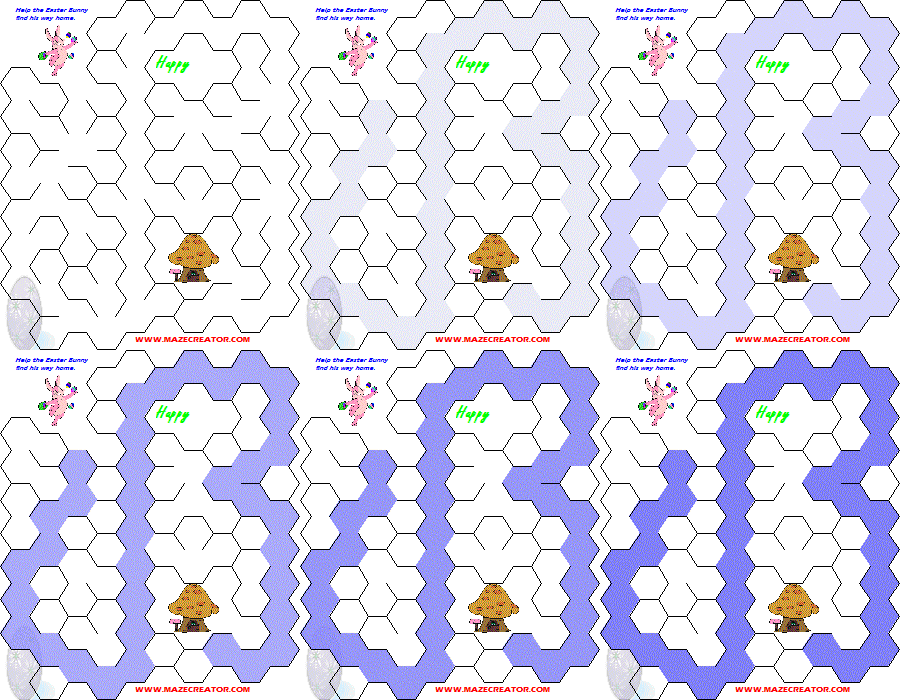
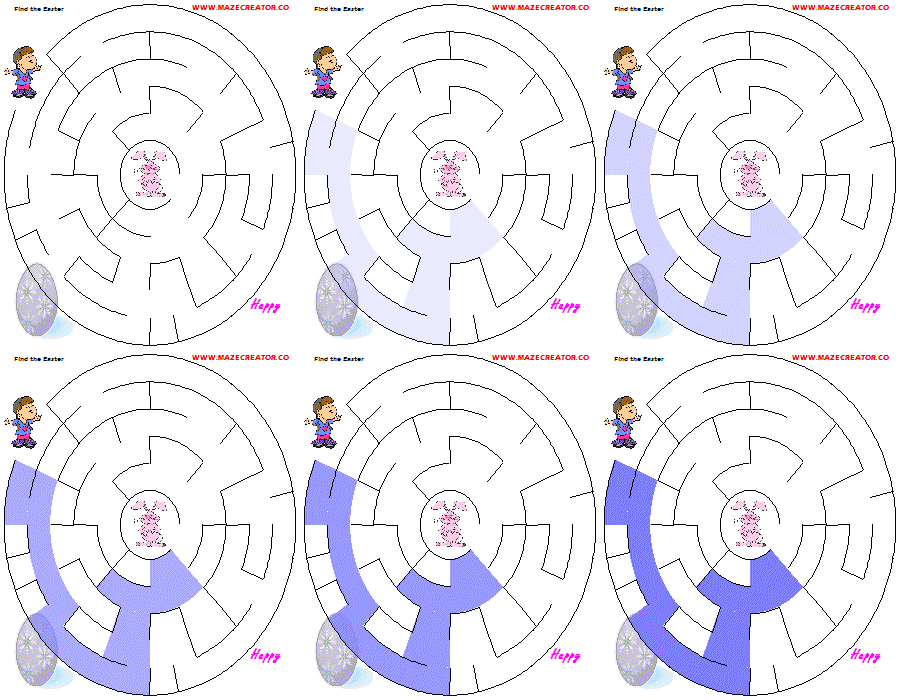
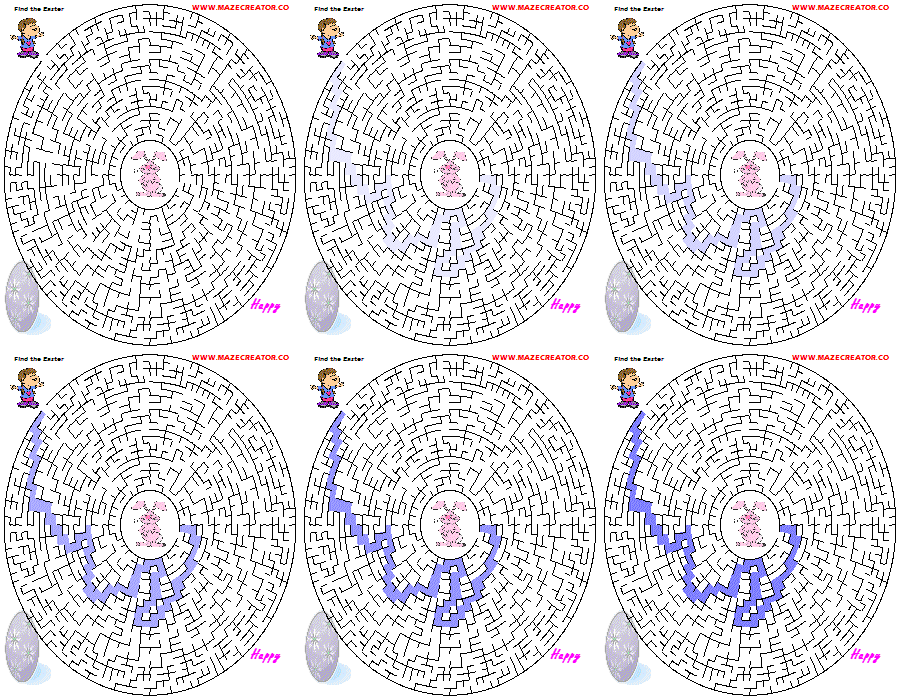
You can download some finished works such as a 12 maze Easter puzzle
PDF with solutions. Look around and check back frequently for
new downloads. |
|
Share designs with your friends, send your designs to
Maze Creator to be added to the Gallery. You will get a by-line
and link to your site. |
|
|